

The .gov means it's official.
Federal government websites often end in .gov or .mil. Before sharing sensitive information, make sure you're on a federal government site.

The site is secure.
The https:// ensures that you are connecting to the official website and that any information you provide is encrypted and transmitted securely.

myTTB Activate Entity
Set Up Your Entity in myTTB
Before you can view your entity’s information or submit claims in myTTB, please follow these steps to set up your entity:
- Create a myTTB account or sign in with your existing myTTB account
- Activate your entity in myTTB
- When you activate an entity, Key Contact(s) from your entity in Permits Online receive email invitations to join myTTB as Entity Managers
- After joining myTTB, Entity Managers can:
- Add additional users and assign permissions for module access to these users
Activate Your Entity in myTTB
Follow the steps below to activate your entity in myTTB:
- Verify/update the Key Contact information for your entity in Permits Online
Please refer to these step by step instructions.. Permit amendments take time to process and must be complete
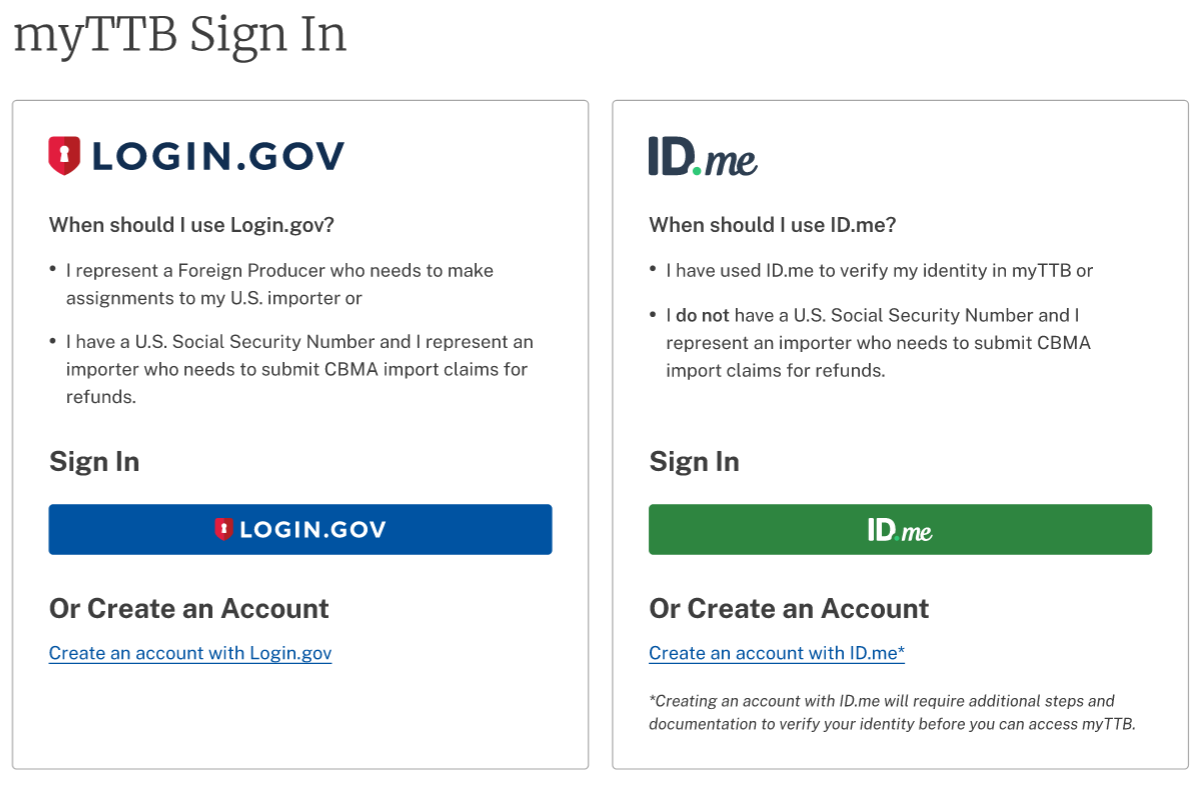
before proceeding to Step 2. Sign in to myTTB using Login.gov
Create an Account or Sign In
Note: If you do not have a U.S. Social Security Number, you should use ID.me instead.
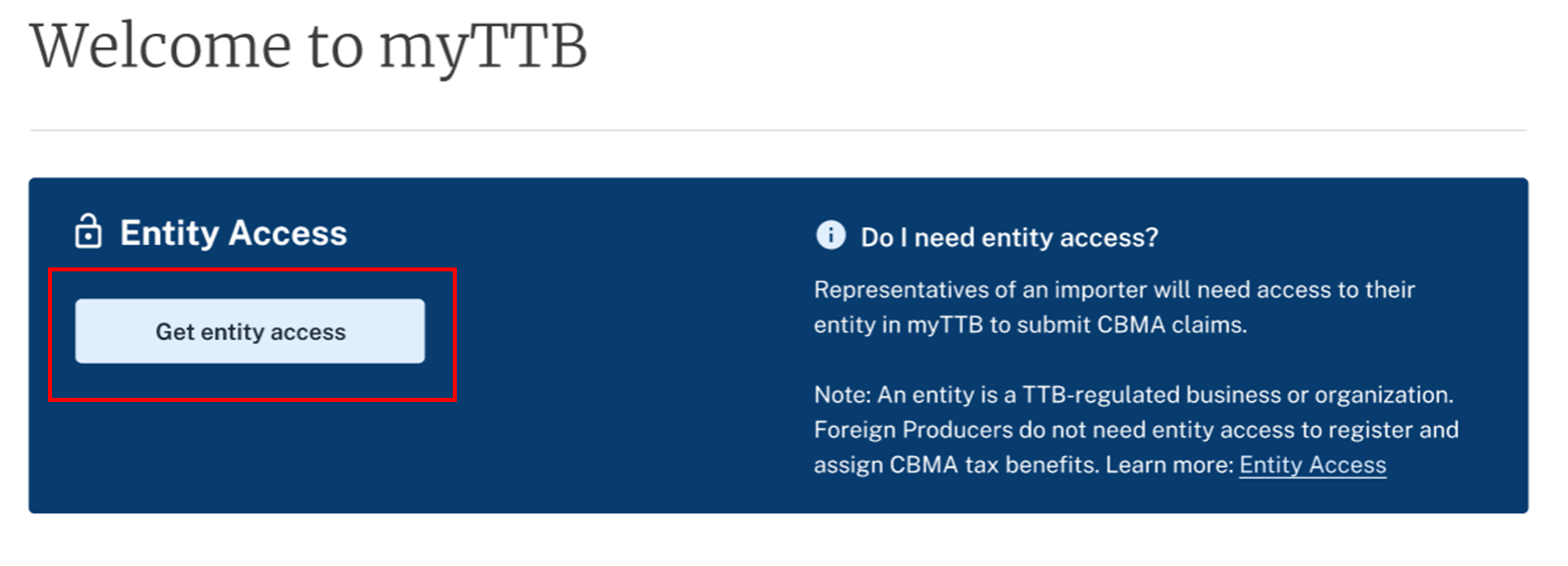
From the myTTB Dashboard, select the Get Entity Access button to visit the Entity Access Page
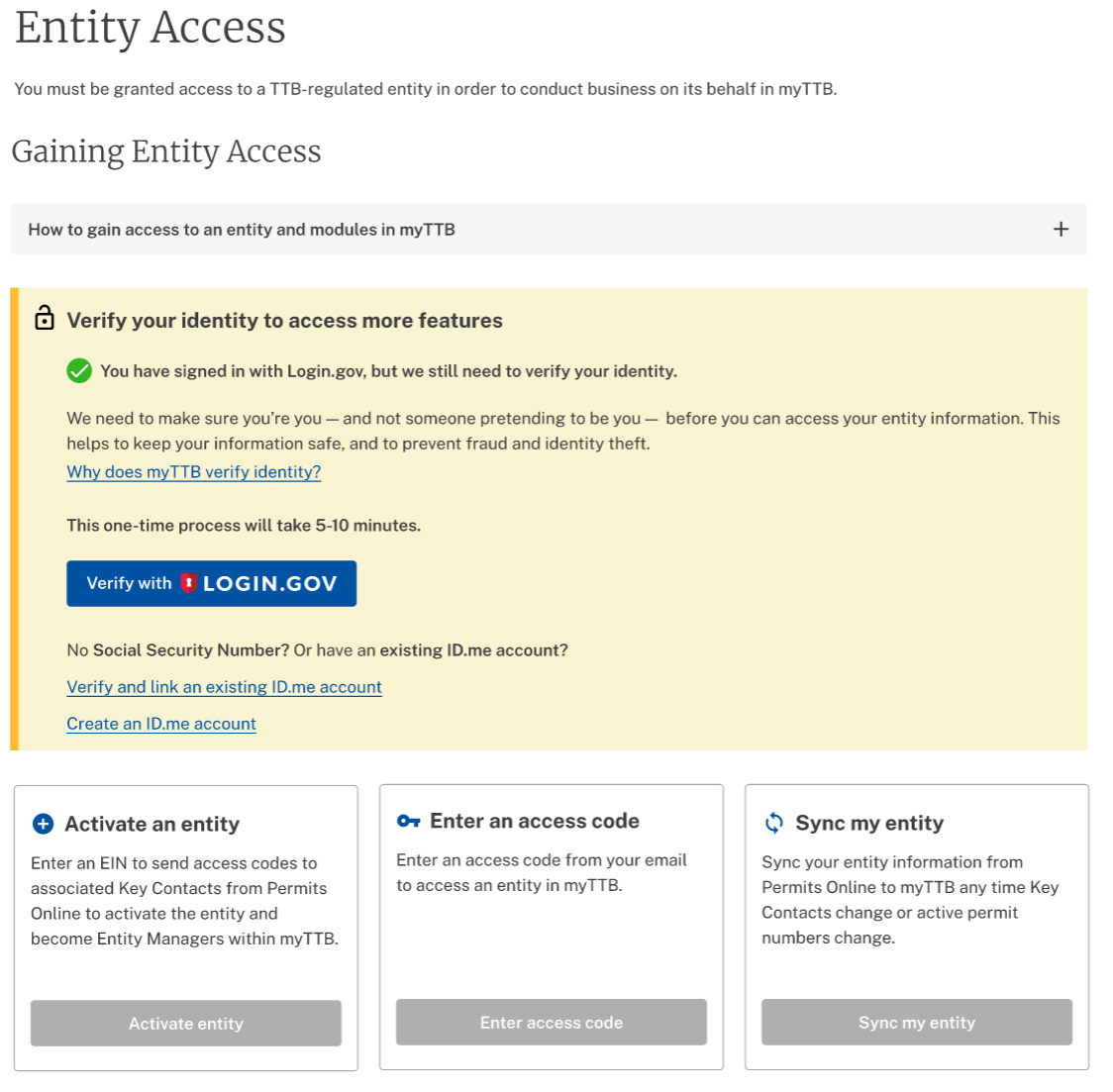
In order to proceed, you will have to provide more information about yourself to verify your identity with Login.gov. If you created your account with ID.me, you can skip this step.
After verifying your identity, select the Activate Entity button and enter the EIN for your entity
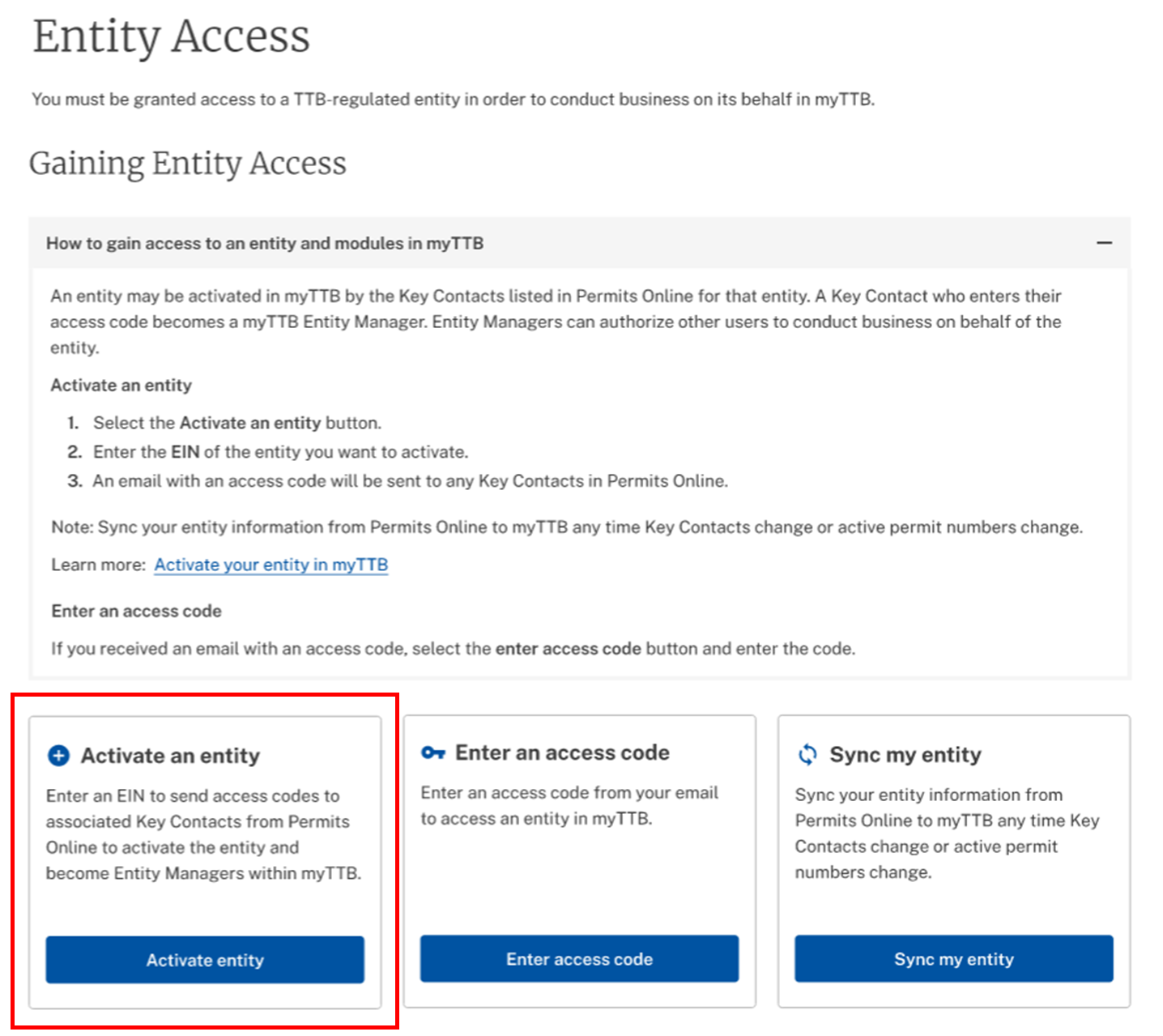
- The Key Contact(s) for your entity will receive an email inviting them to become managers for your entity in myTTB. Entity Managers can invite new users and manage access permissions for all users, including themselves. If the Key Contact(s) do not receive invitations, verify that the Key Contact information in Permits Online is accurate.
Last updated: March 23, 2023